Common problems and solutions for CNC lathes
Common problems and solutions for CNC lathes
Poor surface finish, inconsistent dimensions, vibration, or an unexpected stop doesn’t always mean something is wrong with your CNC lathe. Worn tooling, poor workholding, and unsuitable cutting parameters can cause many of the same symptoms.
Before making adjustments, note what happened and record any alarms. Then check the tooling, workholding, and cutting conditions. Here are eight common problems and where to start. Always follow the instructions for your specific machine and cutting tools.
1. How Do You Fix a Rough Surface Finish or Visible Tool Marks?
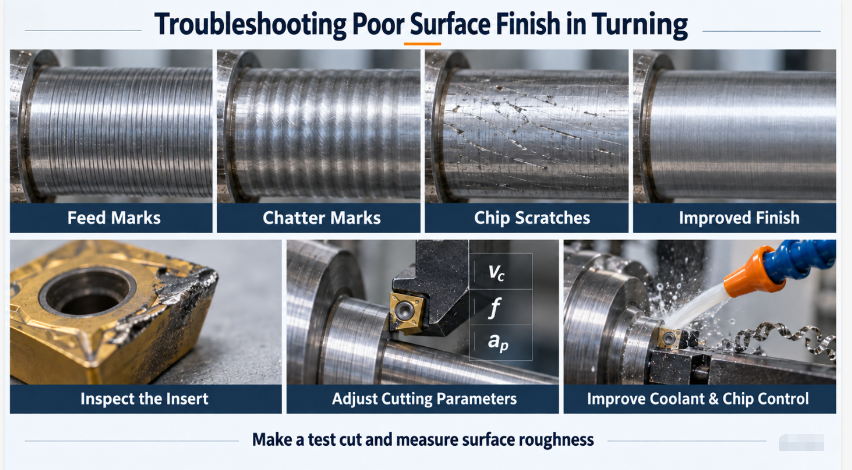
Check the insert and the marks on the part before changing cutting parameters or coolant delivery.
A worn insert, built-up edge, an unsuitable feed rate for the tool’s nose radius, or chips dragging across the part can all leave a poor finish.
Start by checking the cutting edge for wear or stuck material. Then look closely at the surface: are you seeing regular feed marks, chatter marks, or scratches? Based on what you find, replace the insert, adjust the cutting parameters, or improve chip control. Make a test cut and check the surface roughness against the drawing requirements.
2. How Do You Stop Vibration and Chatter During Turning?
Check tool overhang, workholding, and part support first. Then adjust the cutting parameters one at a time.
Excessive tool overhang, inadequate part support, and unstable clamping reduce rigidity and make chatter more likely.
Keep tool overhang as short as the operation and clearance requirements allow. Check that the workpiece is securely held and properly supported. Then adjust speed, feed, or depth of cut within the tool manufacturer’s recommended range, changing one main variable at a time.
If the machine also vibrates when the spindle runs without cutting, the machine itself needs further inspection.
3. What Should You Check When Part Dimensions Are Wrong or Keep Changing?
First, work out whether the error is consistent, gradually increasing, or random.
- Parts are consistently oversize or undersize: Check the measuring method, programmed dimensions, and tool offsets.
- Dimensions gradually change during a production run: Check tool wear and temperature changes.
- Dimensions vary unpredictably: Check workholding, trapped chips, and measurement consistency.
Identify the cause before changing offsets or cutting conditions. Repeated offset adjustments can hide the underlying problem. After making a correction, measure several consecutive parts and record the results. If the problem continues, arrange a machine accuracy check.
4. Why Do Inserts Keep Chipping or Breaking?
Look at how the insert failed before changing the tool or cutting parameters.
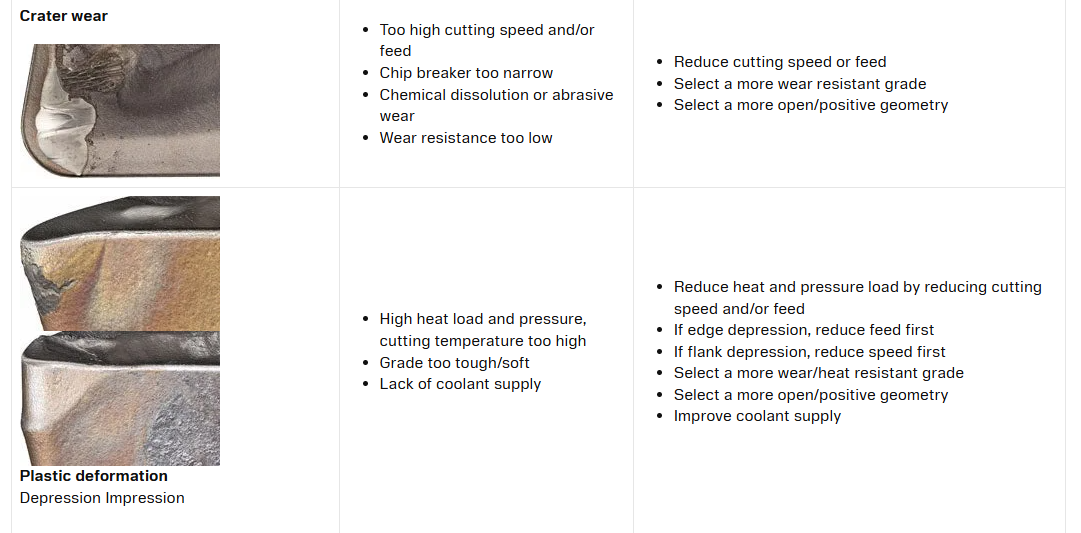
Insert chipping and breakage can result from an unsuitable grade, cutting impacts, vibration, or chip packing. Simply fitting another identical insert may lead to the same failure.
Keep the damaged insert and note which operation caused the problem. Check the insert grade, chipbreaker geometry, and recommended cutting conditions. Then address the likely cause by improving workholding, adjusting the cutting load, or clearing the chip evacuation problem. Track tool life afterward to see whether the change helped.
5. How Do You Stop Chips from Wrapping Around the Workpiece?
Check whether the chipbreaker suits your feed rate and depth of cut, then look at chip flow.
Long, continuous chips often form when cutting conditions fall outside the insert’s effective chipbreaking range. Coolant delivery and the available space for chips to escape also matter.
Check the tool manufacturer’s recommendations, then adjust the chipbreaker or cutting parameters to suit the material and operation. Stop the machine according to its operating procedures before removing tangled chips. Never pull chips away by hand while the workpiece is rotating.
6. What Should You Do If the Workpiece Slips in the Chuck?
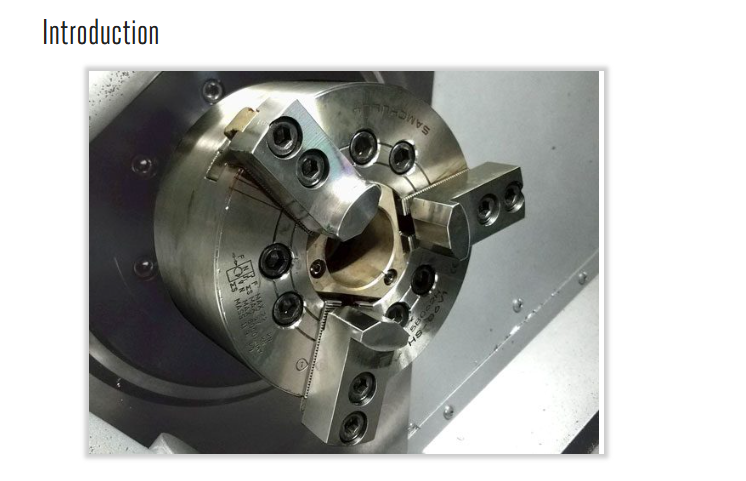
Stop machining immediately and check jaw contact, gripping length, and the clamping system.
Poor jaw contact, incorrectly bored soft jaws, inadequate lubrication, or a hydraulic fault can reduce gripping performance. Cutting loads and spindle speed also affect how securely the chuck holds the part.
First, check whether the workholding setup suits the workpiece. Then inspect the chuck’s maintenance condition and operating pressure according to its manual. Don’t simply increase the pressure: this can distort thin-walled parts or exceed the chuck’s operating limits.
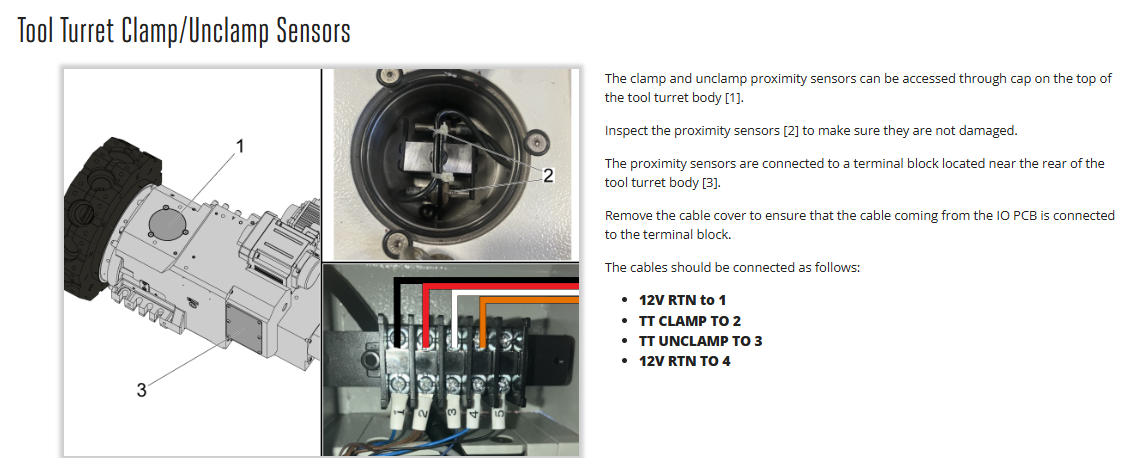
7. What Should You Do If the Turret Won’t Index or Reach the Correct Position?
Record the alarm and affected tool station, then check for interference and clamping or position-feedback issues.
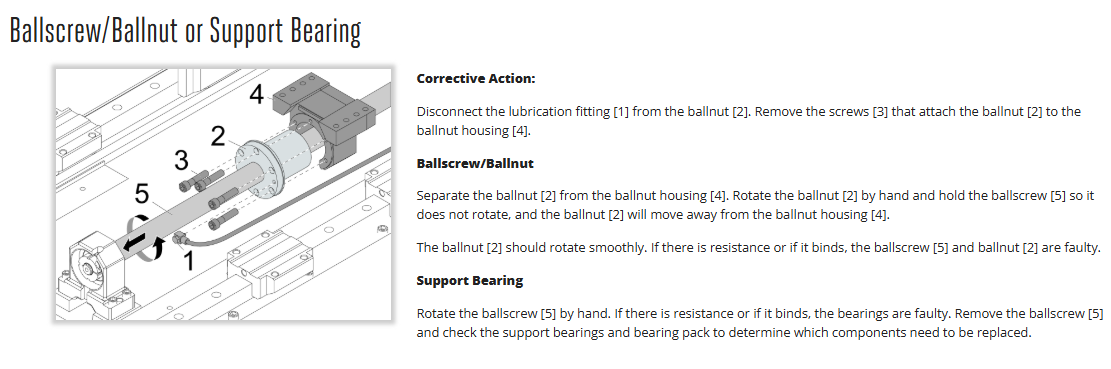
Turret designs vary, so the cause and recovery procedure depend on the machine. Possible causes include mechanical interference, clamping problems, drive faults, or position-detection issues.
Check whether a collision occurred and look for visible chip buildup or obstructions. Follow the troubleshooting procedure for your machine. Internal repairs, alignment adjustments, and accuracy checks after a collision should be handled by a qualified technician. Don’t keep forcing the turret to index.
8. What Should You Do If the Spindle Won’t Start or an Overload Alarm Appears?
A spindle that won’t start and an overload during operation need different checks.
If the spindle won’t start, read the alarm message and check the machine’s required start conditions, including emergency-stop status, door interlocks, and chuck-clamp confirmation. Then check the program commands.
For an overload alarm, note whether it occurs during cutting, acceleration, deceleration, or running without cutting. If it happens during a cut, check the cutting load first. If it also happens without cutting, the drive, lubrication, or mechanical system may need inspection.
Don’t repeatedly reset the alarm and restart the machine, and never bypass a safety interlock.
Frequently Asked Questions
Does a Machining Problem Mean My CNC Lathe Is Damaged?
Not necessarily. Worn tools, poor workholding, unsuitable cutting parameters, and programming errors can all cause machining problems. Start with these basic checks before assuming the machine needs repair.
When Should I Stop Machining Immediately?
Stop if the workpiece slips, a tool breaks, or you notice severe vibration, unusual noise, or overheating. Find the cause before continuing.
How Can I Keep the Same Problems from Coming Back?
Follow the machine’s maintenance instructions for lubrication, coolant, workholding, and chip removal. Keep records of tool life, dimensional changes, and alarms. Fix the underlying cause rather than relying on repeated resets or offset changes.
Can I Change System Parameters to Clear an Alarm?
Avoid changing parameters before you understand the cause. Record the full alarm code and check the machine manual. Changes involving reference positions, servo settings, or accuracy compensation should be handled by a qualified technician.
What Information Should I Send to My CNC Lathe Supplier?
Send the machine model, control system, alarm code, workpiece material, tooling details, and cutting parameters. Photos or videos are helpful too. Explain when the problem occurs and what you have already checked or changed.
Need help with a machining problem? Send us your machine details and a description of the issue so we can discuss the next steps with you.
How to Choose a CNC Lathe for Shaft Machining: A Guide to Types, Models, Materials, and Machining Capacity
Artigo Relacionado